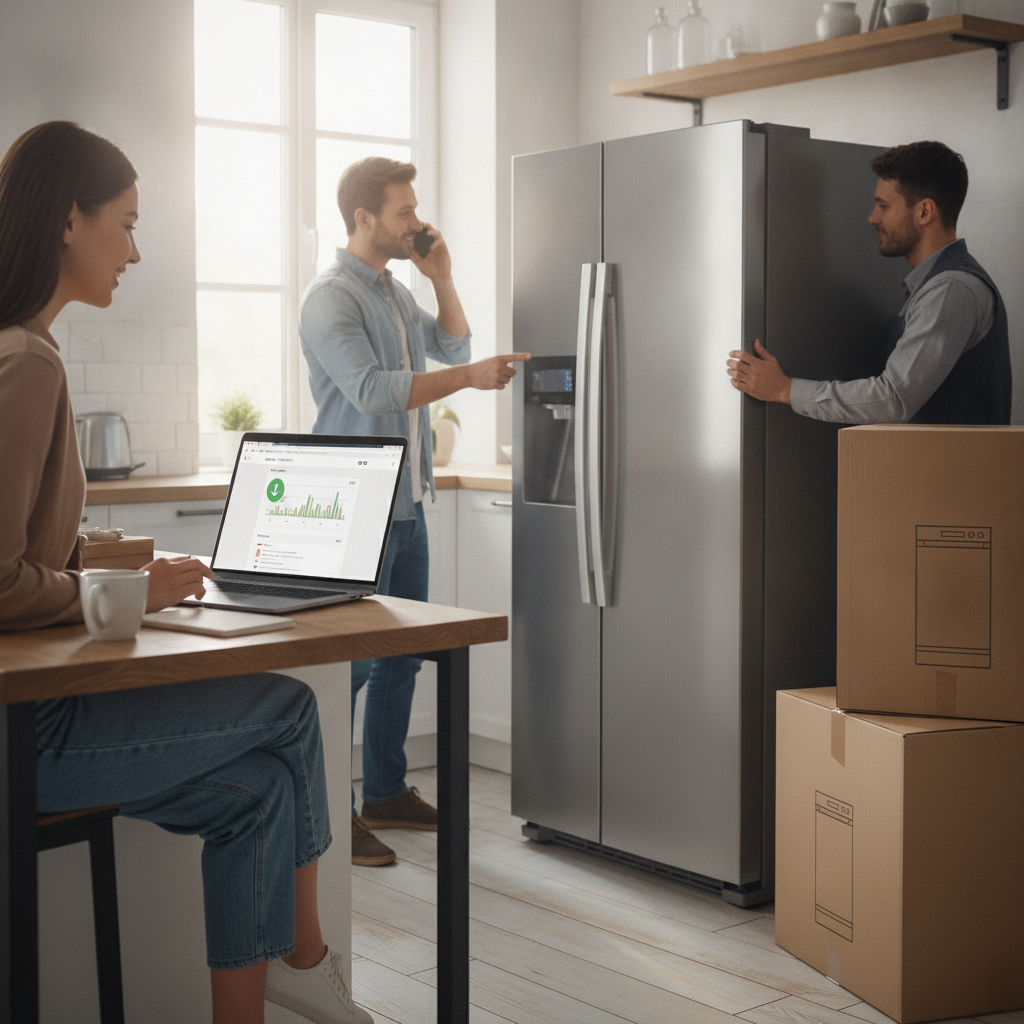
Buying a major home appliance at the wrong time can cost you significantly more than it should. Refrigerators, washing machines, and dishwashers all cycle through predictable pricing patterns throughout the year, yet most shoppers end up purchasing reactively — when something breaks down — rather than strategically. Browser extension price-tracking tools exist precisely to help you shift from reactive to intentional, and once you know how to use them well, timing a big appliance purchase becomes far less stressful.
Install the Right Tracker Before You Start Browsing
The most important step happens before any serious shopping begins. Extensions like Honey, CamelCamelCamel (for Amazon purchases), and Capital One Shopping integrate directly into your browser and begin logging prices the moment you visit product pages. Installing them early matters because these tools build historical price data over time — the longer they observe a product, the clearer the pricing patterns become. Setting them up only when you're ready to buy means you miss weeks or months of useful data that would have informed a smarter decision.
Set a Target Price Alert Right Away
Once you've identified an appliance you want — say, a Samsung front-load washer or a Bosch dishwasher — set a price alert immediately, even if you're not ready to buy yet. Most extensions allow you to define a threshold price, and they'll notify you by email or browser notification the moment the item drops to that level. The key is being realistic with your target: look at the historical price graph the extension generates and aim for a price in the lower third of the recorded range, not the absolute lowest, which may have been a one-time anomaly.
Read the Historical Price Graph Carefully
The price history graph is the most powerful feature these tools offer, and it rewards a few minutes of careful reading. A product that looks like it's on sale today might actually be at a normal or even elevated price relative to its history. Patterns often emerge clearly — appliances frequently dip around major retail events like Memorial Day, Labor Day, and Black Friday, but they can also drop quietly in January when new models arrive and older inventory gets cleared. Understanding the rhythm of a specific product helps you wait with confidence rather than guessing.
Cross-Reference Prices Across Multiple Retailers
A price that looks compelling on one site may already be matched or beaten elsewhere. Extensions like ShopSavvy and Google Shopping's built-in comparison layer make it straightforward to check whether Best Buy, Home Depot, Lowe's, or a manufacturer's direct site is offering a better deal. Retailers don't always price-match automatically, but knowing the competitive landscape gives you real leverage when negotiating in-store or requesting a price adjustment. Tracking across multiple retailers also reveals which stores tend to discount specific brands more aggressively.
Watch for Price Drops That Coincide With New Model Releases
Appliance manufacturers typically release updated model lines in the spring and fall. When a new version of a refrigerator or range appears, last year's model often drops in price fairly quickly as retailers work to move existing inventory. Your tracking extension will register these drops in real time, but you can get ahead of them by noting which models are labeled as previous-generation on retail sites. Buying a prior-generation appliance that still meets your needs is one of the most reliable ways to get strong value without compromising on quality.
Don't Ignore Cashback and Coupon Layering
Price-tracking extensions often work alongside cashback tools, and using them together amplifies your savings without extra effort. Honey, for example, automatically applies available coupon codes at checkout and can be paired with Rakuten's cashback portal for additional returns on purchases from major retailers. If you're buying through a site that supports both, the combined benefit can meaningfully reduce the final cost. This approach works best when you've already waited for a genuine price drop, so you're layering discounts on top of an already-favorable price rather than settling for a mediocre deal with minor extras.
Track the Replacement Parts and Warranty Costs Too
The sticker price of an appliance is only part of the picture, and experienced shoppers know to look at the total cost of ownership. Some browser extensions allow you to save product pages and notes alongside price data, which makes it easier to keep track of warranty options, extended service plans, and the general availability of replacement parts for specific models. A front-loader that's priced attractively but has expensive or hard-to-find drum bearings may end up costing more over five years than a slightly pricier model with better parts availability.
Be Patient but Know When to Pull the Trigger
Price tracking builds patience, but patience has a practical limit. If an extension shows that a product has hovered near your target price for several weeks without dropping further, and a major retail event isn't approaching, it's often reasonable to buy rather than wait indefinitely. Prices don't always move in your favor, and sometimes a model gets discontinued or goes out of stock entirely. The goal of tracking isn't to wait for perfection — it's to avoid obvious overpaying and to move confidently when the timing is genuinely favorable.
Arming yourself with the right tools and a bit of patience transforms appliance shopping from an anxious, reactive experience into a deliberate one. The technology is free, the learning curve is gentle, and the savings potential over time is real. Start by installing one extension today, find the appliance you've been considering, and let the data guide the rest.